
Choose a goal
Name your challenge. For example: read for ten minutes each day.
We’re looking for Android testers
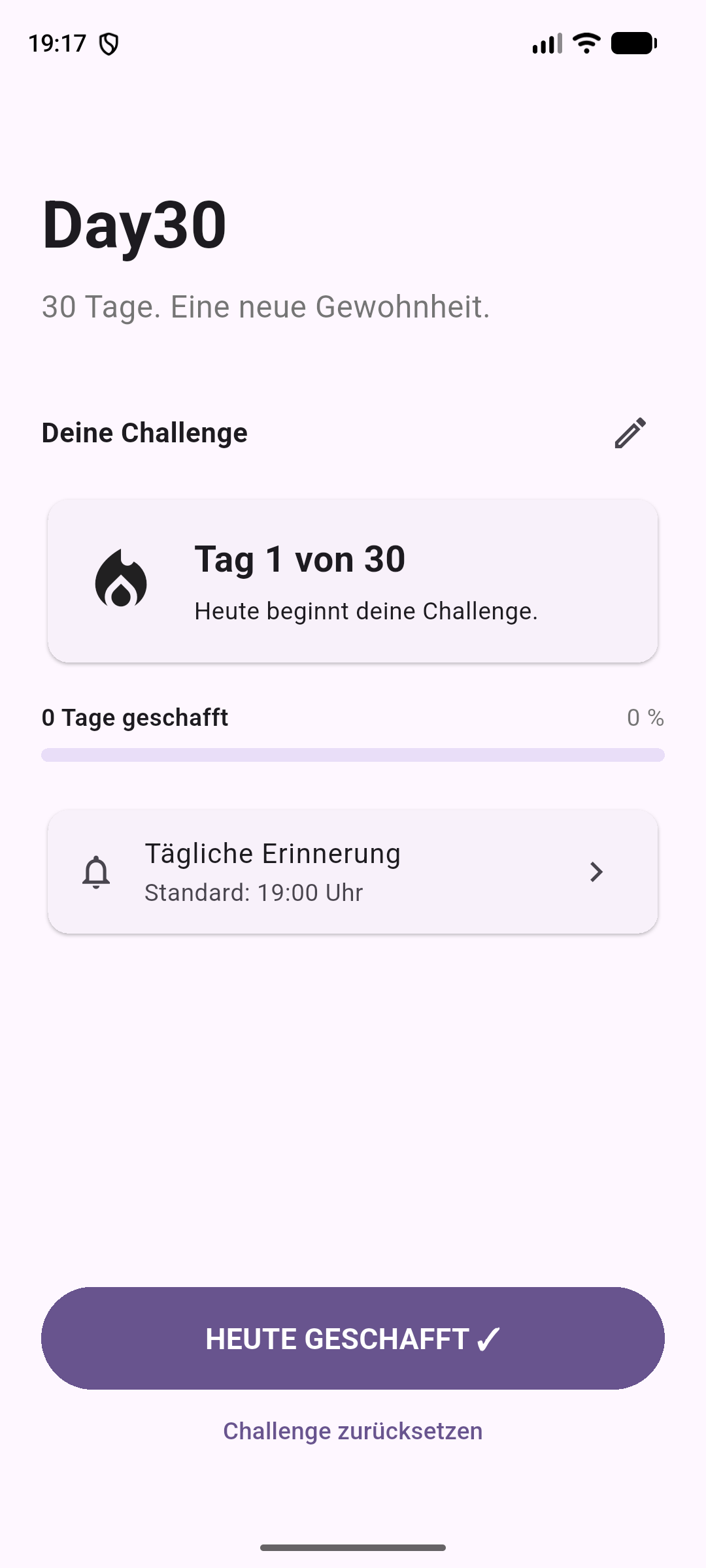
Read more, get moving or make time for yourself. Choose a goal and track the days you complete. Missing a day does not reset your progress.
Enter your email. Join the group. Install the app.
You need an Android phone and the Google Account you use in the Play Store. The test is currently available in Switzerland.
Stay enrolled throughout the test and use the app regularly. Tell us if anything is unclear.
Enter the email address you use in the Play Store. We will email you the links for steps 2 and 3.
Open the group, then the Play test. Use the same Google Account for both.
Open the group and select “Join group” to give your Google Account access to the test.
Open group (new tab)Open the test link, confirm participation and download Day30 from the Play Store.
Open Play test (new tab)Already signed up? Go straight to steps 2 and 3. An email alone does not give you access to the test.
One goal, a daily reminder and your progress. Everything you need for your own 30-day challenge.
Name your challenge. For example: read for ten minutes each day.
Mark completed days. After a break, pick up where you left off.
Choose a daily reminder time that works for you.
The essentials before you start.
Name a challenge, mark a completed day and set a reminder. Use Day30 in your everyday life. Tell us about bugs, anything you find confusing, and what you like.
No. Day30 counts the days you mark as completed. Missing a day does not reset your progress. Separately, please stay enrolled in the app test for at least 14 consecutive days.
Check that you’ve joined the Google Group and are using the same Google Account in your browser and the Play Store. The test is currently available in Switzerland. If you’re enrolled in the internal test, leave it before joining the closed test.
Your progress is stored locally on your device. The current app does not sync progress between devices.
Use the form below and describe what happened as clearly as you can. Your message is stored privately and forwarded to Day30 by email. You don’t need another account.
What works well? Where are you stuck? Send us a short message. Include your email address if you would like a reply.
What were you trying to do?
What happened instead?
Which device were you using?